
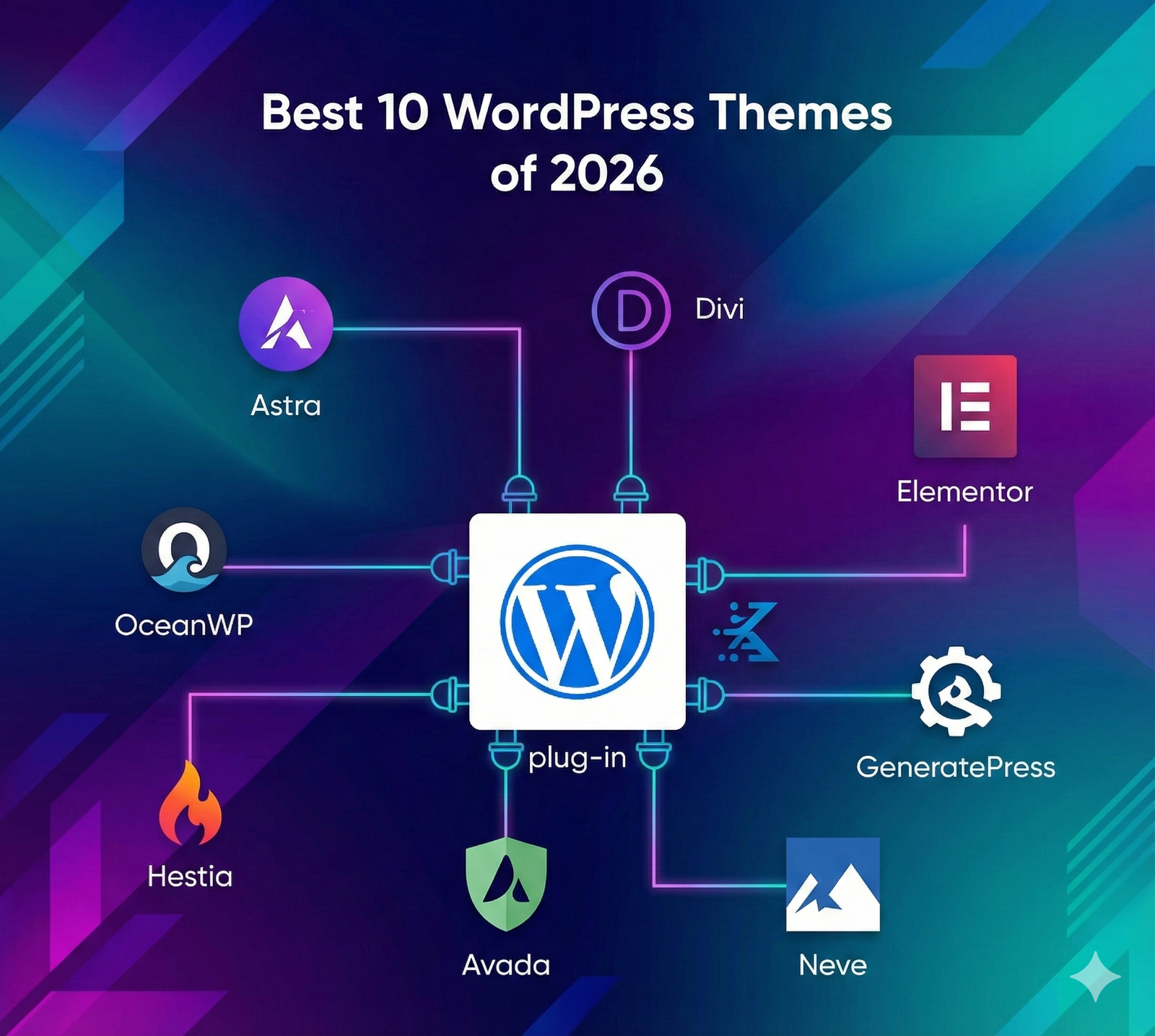
The Presidential Guide: Best 10 WordPress Themes for Professional Websites in 2026
The Comprehensive White Paper for Industry Leaders & Decision Makers
Executive Summary
In the digital economy of 2026, a website is no longer a simple brochure; it is the central nervous system of your enterprise. Selecting a WordPress theme is a strategic infrastructure decision that impacts your SEO ranking, brand authority, and conversion rates.
This report analyzes the market’s top contenders based on Core Web Vitals compliance, security architecture, and scalability. We provide deep-dive intelligence to help you govern your digital presence effectively.
1. The State of the Union: Web Standards in 2026
Before we inaugurate our top candidates, we must understand the landscape. The internet of 2026 is faster, smarter, and more ruthless than ever before. Google’s algorithms have evolved to prioritize “Experience” over everything else. A professional website must load in under 2 seconds, be accessible to all citizens (ADA compliance), and resist the growing threat of AI-driven cyberattacks.
The “Presidential” Criteria for Selection:
- Zero-Bloat Policy: Themes must not load unnecessary assets (CSS/JS) that slow down the economy (server).
- Full Site Editing (FSE) Compatibility: Support for the modern Block Editor is non-negotiable for future-proofing.
- Global Commerce Ready: Seamless integration with WooCommerce and payment gateways.
- Developer Friendly: Clean hooks and filters for your technical cabinet members to work with.
2. The Cabinet: Deep Analysis of the Top 10 Themes
1. Astra Pro
Rating: 9.8/10The Incumbent Leader. Astra continues to dominate the polls with over 5 million active installations. It is the “safe pair of hands” for any professional administration. In 2026, version 5.0 introduced “Adaptive Performance,” which automatically unloads unused CSS on a page-by-page basis.
For agencies, Astra Pro offers a “White Label” feature, allowing you to rebrand the theme options as your own agency’s proprietary software—a power move for client relations.
The Upside
- Lightweight: Less than 50KB on the frontend.
- Ecosystem: Seamless integration with Spectra and Elementor.
- Starter Templates: 300+ professional demos ready to import.
The Downside
- The free version is quite limited for enterprise needs.
- Support can be slow due to the massive user base.
2. GeneratePress Premium
Rating: 9.7/10The Performance Technocrat. If Astra is the politician, GeneratePress is the engineer. It prioritizes stability and speed above all else. It is built on a strictly standards-compliant code base. For professionals who care about passing Google’s Core Web Vitals assessment, this is the top candidate.
When paired with the “GenerateBlocks” plugin, it allows you to build complex, magazine-style layouts similar to top-tier review sites. We often see high-authority sites like those analyzed on Reviewstrend.com utilizing this lightweight architecture to maintain high SEO rankings.
The Upside
- 100% Stability: Updates never break your site.
- Accessibility: WCAG 2.0 standards compliant out of the box.
- Elements Module: Powerful hook system for developers.
The Downside
- Requires a bit more technical know-how to make it look “fancy.”
- Visual library is smaller than Astra’s.
3. Divi (by Elegant Themes)
Rating: 9.0/10The Visionary Artist. Divi is not just a theme; it is a complete visual design system. It appeals to creative directors and marketing agencies who need total control over every pixel without writing code. The 2026 update brought “Divi AI,” which can generate text and images, acting as a built-in press secretary.
The Upside
- Visual Builder: True Drag-and-Drop editing.
- Lifetime Pricing: One-time fee for unlimited sites (rare in 2026).
- A/B Testing: Built-in Split Testing system for marketing optimization.
The Downside
- Shortcode Lock-in: Hard to switch themes later.
- Heavier code base compared to GeneratePress.
4. Kadence WP
Rating: 9.6/10The Modern Reformer. Kadence has rapidly gained market share by offering premium features for free. Its “Header Builder” is arguably the best in the industry, allowing professional sites to create transparent, sticky, and mobile-responsive headers with ease. It strikes the perfect balance between the speed of GeneratePress and the customization of Astra.
5. Blocksy
Rating: 9.5/10The Innovator. Built with the latest web technologies (React), Blocksy feels incredibly snappy in the customizer. It is designed specifically for the Gutenberg era. Its “Content Blocks” feature allows you to insert custom content (like ads or signatures) anywhere on your site based on specific conditions.
6. OceanWP
Rating: 9.2/10The Commerce Secretary. If your professional website involves selling physical or digital goods, OceanWP is your strongest ally. It includes features that usually require paid plugins, such as “Native Cart Popup,” “Quick View,” and “Floating Add to Cart Bar.”
7. Hello Elementor
Rating: 9.0/10The Blank Canvas. Hello is strictly for leaders who have hired an architect (Elementor Pro). It is a stripped-down, bare-bones theme that provides the minimum necessary styling. This ensures there are no conflicts between the theme and the page builder.
8. Avada
Rating: 8.8/10The Enterprise Solution. Avada is the best-selling theme on ThemeForest for a reason. It is an all-in-one solution. It comes with its own builder, slider, form builder, and performance wizard. It is ideal for large corporations that want a single ecosystem without managing 20 different plugin licenses.
9. Neve
Rating: 9.3/10The Mobile Diplomat. Neve was built with a “Mobile-First” approach. In 2026, where 70% of executive decisions are made on smartphones, Neve ensures your site looks perfect on small screens. It is also AMP (Accelerated Mobile Pages) compatible.
10. Twenty Twenty-Six
Rating: 9.0/10The Official Standard. The default theme for 2026. While often overlooked by professionals, it represents the cutting edge of “Full Site Editing.” It is completely free, maintained by the WordPress core team, and guarantees zero compatibility issues. Ideal for government or non-profit sites requiring strict adherence to open-source standards.
3. Infrastructure & National Security
A theme is only as good as the ground it stands on. You cannot build a skyscraper on a swamp. As you deploy your professional theme, you must also secure your borders.
Testing Your Perimeter (Proxy Strategy)
In a globalized economy, your website must be accessible from Tokyo, London, and New York with equal speed. Professional administrators use high-quality proxies to test their site’s performance and localization from different geographies.
Furthermore, checking your site’s security firewall from an external IP is a standard “Red Team” exercise. We recommend utilizing reliable resources like 5-proxy.com to secure premium proxy services for testing your site’s availability and anonymity protocols during sensitive updates.
4. Content Governance: Filling the Halls of Power
An empty theme is an empty office. The layout of your content determines your authority. Professional sites in 2026 are moving away from “Walls of Text” and towards “Structured Data.”
The Review Protocol: If your business relies on affiliate marketing or product reviews, your theme must support schema markup (Star ratings, Author profiles). A theme like GeneratePress handles this natively, but your content structure matters more. Observe the layout strategies on Reviewstrend.com; notice how they use comparison tables, pros/cons boxes, and clear “Call to Action” buttons. Your professional theme should facilitate this type of high-value content, not hinder it.
5. The Final Polls: Direct Comparison
| Theme Candidate | Ideal Role | Pricing Model | Learning Curve |
|---|---|---|---|
| Astra Pro | General Leadership | Freemium | Low |
| GeneratePress | Technical SEO | Freemium | Medium |
| Divi | Creative Brand | Lifetime / Yearly | Medium |
| Kadence | Startups | Freemium | Low |
| Avada | Big Enterprise | One-time ($69) | High |
6. Press Briefing: Frequently Asked Questions
Q: Can I switch themes later without losing my content?
A: Yes, your posts and pages are saved in the database, not the theme. However, any custom layouts built with a specific theme’s builder might break. This is why we recommend using standard Gutenberg blocks or page builders like Elementor that are theme-independent.
Q: Do these themes support multi-language sites?
A: Absolutely. All 10 themes listed above are “Translation Ready” and compatible with plugins like WPML and Polylang, essential for international diplomacy (business).
Q: Why is “Core Web Vitals” mentioned so often?
A: Google effectively sanctions slow websites. If your theme causes “Layout Shifts” (CLS) or slow “Paint” times (LCP), your rankings will drop. The themes selected in this dossier are vetted for passing these metrics.
Ready to Take the Oath?
You have the intelligence reports. You have the candidate list. Now it is time to make the executive decision. Choose the theme that aligns with your vision, secure your infrastructure with robust testing, and lead your industry into 2026.
Download The Theme Checklist6. The First 100 Days: Your Post-Inauguration Roadmap
Winning the election (choosing the theme) is only the beginning. Governing (setting up the site) is where the real work begins. To ensure your administration is successful, you must follow this strict protocol immediately after activating your new theme.
Phase 1: The Child Theme Decree
The Golden Rule of WordPress: Never edit your parent theme directly. If you modify the PHP or CSS files of Astra or GeneratePress directly, you will lose all your hard work the moment an update is released. It is akin to building a law that gets erased every time the constitution is amended.
Action Item: Before you change a single color, generate and install a “Child Theme.” Most professional theme providers (like Astra and Kadence) offer a one-click generator for this. This creates a safe layer for your customizations, ensuring your site remains stable through years of updates.
Phase 2: Purging the Bureaucracy (Dummy Data)
When you import a “Starter Site” or “Demo Content,” you are often importing hundreds of stock images, dummy blog posts (“Hello World”), and unnecessary plugins. This is digital bureaucracy at its worst. It bloats your database and confuses Google.
Action Item: Immediately delete all “Lorem Ipsum” pages. Remove stock images you do not intend to use to save server space. Deactivate and delete any plugins the demo installed that you do not actually need (e.g., a “Testimonials Slider” if you don’t have testimonials yet).
Phase 3: Establishing the Brand Identity (Global Styles)
In 2026, consistency is authority. Do not change font sizes on every individual page. Instead, use the Global Styles settings (or theme.json in Block themes).
- Typography: Select two fonts maximum. One for Headings (Serif or bold Sans-Serif) and one for Body text (clean Sans-Serif).
- Color Palette: Define your Primary, Secondary, and Accent colors globally. This ensures that if you decide to change your brand’s blue from “Navy” to “Royal,” you change it in one place, and it updates across the entire nation.
7. Fiscal Policy: Free vs. Premium Investments
As the decision-maker, you must manage the budget. Is it worth upgrading to the “Pro” version of these themes? Let’s analyze the ROI (Return on Investment).
The Cost of “Free”
Free themes are excellent for validation. However, they are often limited in Header/Footer building and WooCommerce features. Using a free theme often forces you to install 5-6 extra free plugins to get the functionality of one Premium theme. This increases security risks and slows down the site.
The Value of “Premium”
Investing $59-$129/year in a theme like GeneratePress Premium or Astra Pro is not an expense; it is insurance. You gain:
- Priority Support: Access to the developers who wrote the code.
- White Labeling: The ability to remove the theme’s branding and replace it with your own (crucial for agencies).
- Advanced Hooks: The ability to inject code (like Google Analytics or Affiliate disclaimers) without editing files.
8. Avoiding Impeachment: Common Pitfalls to Avoid
Even the strongest presidencies can fall due to scandal. In the WordPress world, these scandals are technical errors that destroy your reputation.
The “Nulled” Theme Trap: Never, under any circumstances, download a “Premium Theme for Free” from a shady website. These “Nulled” themes are almost always infected with malware that creates backdoors in your site. It is the digital equivalent of inviting spies into the Oval Office. Always purchase from the official source.
The “Page Builder” Dependency: Be wary of themes that force you to use a specific page builder (like WPBakery). If you decide to switch builders in 2028, you will be left with a broken site. The themes listed in our Top 10 (like Neve, Astra, GeneratePress) are “Builder Agnostic,” meaning they work with whatever tools you choose, preserving your freedom.