
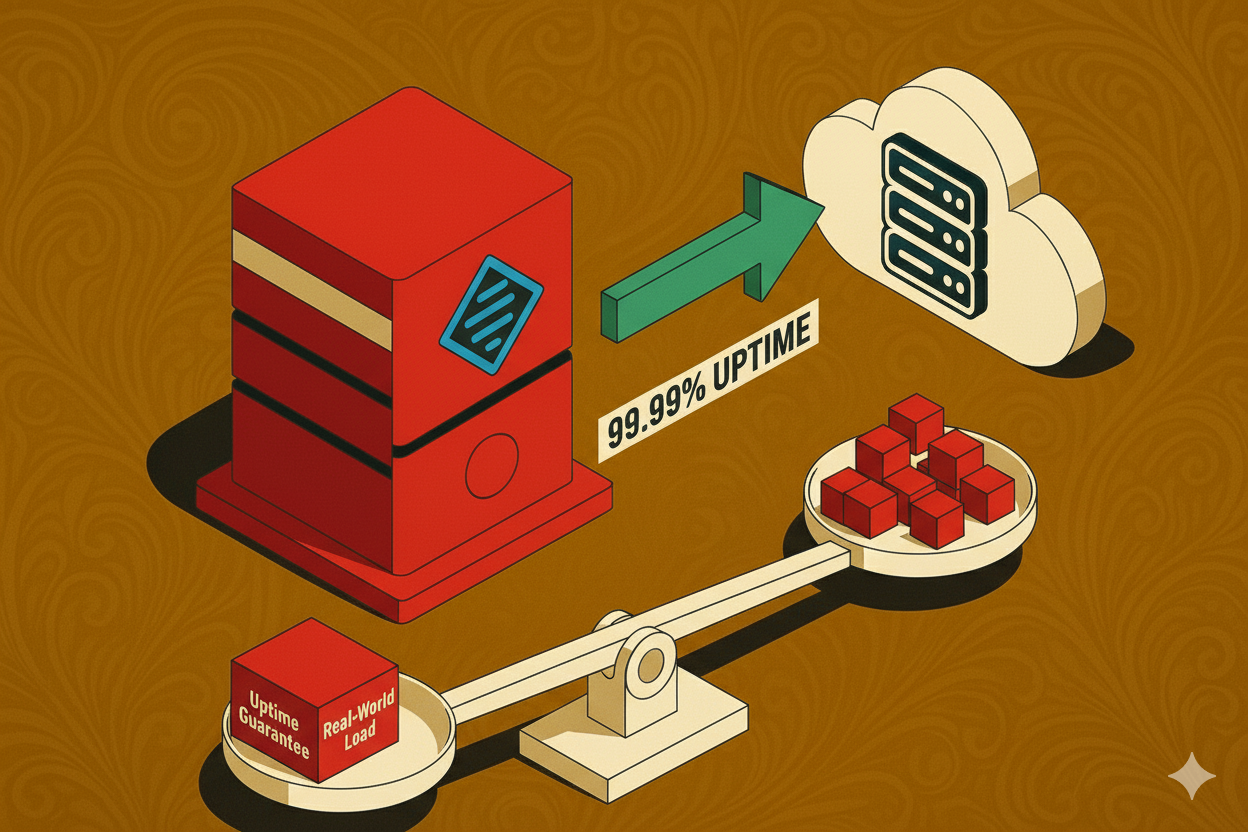
In the digital economy, your website is your storefront, office, and sales team—all rolled into one. If it goes down, your business effectively vanishes. This absolute dependency is why the concept of **HTML Server Stability** is not just a technical footnote; it is the **foundational pillar of your entire online operation.** Yet, for too long, site owners and developers have been lulled into a false sense of security by a single, seductive metric: the **Uptime Guarantee**.
A web host proudly touts a “99.9% Uptime Guarantee,” and most users accept this number at face value, believing their website will essentially always
1. Decoding Uptime Guarantees: The Mathematics of the ‘Nines’
Every web hosting provider, from budget shared hosts to premium cloud services, offers an **Uptime Guarantee**. This promise is often the first metric a client reviews when assessing reliability. However, this percentage, often expressed with multiple ‘nines’ (99.9%, 99.99%), is frequently misunderstood, leading to mismatched expectations and real-world disappointment.
1.1. The Uptime Formula: How Availability is Calculated
Mathematically, Uptime is a simple ratio, but the hidden complexity lies in what the provider defines as “downtime.” The general formula is:
Uptime Percentage = (Total Time – Downtime) / Total Time * 100
The crucial distinction is that **HTML Server Stability** is not just about the server being powered on; it’s about the server being **responsive** and delivering the HTML content reliably. If the server is overloaded, timing out, or returning 500-level errors, that should count as downtime, regardless of whether the lights are still on in the data center.
1.2. The True Cost of Each Decimal Place: Time Lost Annually
The most important part of the **Uptime Guarantee** is translating the abstract percentage into tangible minutes and hours. The subtle addition of a single ‘nine’ dramatically changes the tolerance for downtime, which directly impacts your potential revenue and **SEO performance**.
| Uptime Guarantee | The ‘Nines’ | Max Downtime Per Year | Max Downtime Per Month |
|---|---|---|---|
| 99.9% | Three Nines | 8 hours, 45 minutes, 56 seconds | 43 minutes, 49 seconds |
| 99.99% | Four Nines | 52 minutes, 35 seconds | 4 minutes, 23 seconds |
| 99.999% | Five Nines (High Availability) | 5 minutes, 15 seconds | 26 seconds |
The stability test revelation: Moving from a standard **99.9%** (which is common for basic shared hosting) to **99.99%** reduces your maximum monthly downtime from nearly 44 minutes to less than 5 minutes. For high-traffic e-commerce or mission-critical applications, this stability difference is non-negotiable.
2. The Legal Framework: Service Level Agreements (SLAs)
The **Uptime Guarantee** is an advertising headline; the **Service Level Agreement (SLA)** is the legal contract that defines what that headline actually means. For any serious website owner, the SLA must be treated as the most important document in the hosting relationship.
2.1. Reading the Fine Print: Exclusions and Definitions
A host’s SLA is meticulously written to protect the provider, not the client. The first step in any effective **HTML Server Stability Test review** is understanding what *doesn’t* count as downtime. Common exclusions include:
- Scheduled Maintenance: Downtime due to planned updates or hardware upgrades is almost always excluded from the guarantee. Ensure the SLA specifies a maximum notice period (e.g., 24 hours) for such events.
- Client Errors: Any downtime resulting from user code, application bugs, or exceeded resource limits (especially on shared hosting) is the client’s responsibility.
- Force Majeure/External Attacks: Outages caused by events beyond the host’s reasonable control, such as major network failures or sophisticated **DDoS attacks**, are often excluded.
If your host defines downtime as only a complete server power failure, but ignores issues like high **Time to First Byte (TTFB)** or intermittent 504 Gateway Timeout errors (which severely degrade user experience), their guarantee is effectively worthless.
2.2. The Compensation System: The Illusion of Service Credits
If a host violates its **uptime guarantee**, the SLA details the compensation—usually in the form of **service credits** applied to the next billing cycle. The typical structure is:
- Violation: Uptime falls below 99.9% in a month.
- Credit: The client receives 5-10% of their monthly fee as a credit.
While this sounds fair, consider the **Real-World Performance** cost: if your e-commerce site generates $10,000 in revenue per hour, and the server is down for 5 hours, a $5 monthly hosting credit is a trivial recompense for $50,000 in lost sales. This disparity highlights why **proactive stability testing** and choosing a host with superior **Real-World Performance** is vastly more valuable than relying on post-facto compensation.
2.3. The Importance of Documentation for Claims
Crucially, the burden of proof for the outage often rests with the customer. To successfully claim an SLA violation, you must have independent, third-party proof of the outage duration, which brings us to the necessity of dedicated **Uptime Monitoring Tools** (which we will detail in the next section). Without this data, your complaint is just anecdotal evidence against the host’s own internal log files.
3. The Crux: HTML Server Stability Test Methodologies
The transition from abstract guarantees to concrete data requires effective, continuous **HTML Server Stability testing**. Relying on a host’s internal dashboard for uptime reports is like letting the student grade their own exam. True stability assessment demands external, objective methodologies that mimic the real-world conditions your users experience.
3.1. Synthetic Monitoring: The Foundation of Uptime Tracking
Synthetic monitoring is the simplest and most vital form of **Uptime Monitoring**. Tools like **Pingdom**, **Uptime Robot**, and **StatusCake** act as virtual users, sending periodic requests to your server from various global locations. This technique provides the essential “is it up?” answer.
- Frequency Matters: Most premium services check every 1 to 5 minutes. If your check interval is every 10 minutes, your server could be down for 9 minutes and 59 seconds between checks, and you would only record a “single failure” rather than the true duration of the outage.
- Geographic Diversity: A stable server must be accessible globally. If your monitoring tools check from only one location, you miss regional routing issues or localized data center problems. Monitoring from 10+ global nodes gives you a clearer picture of true accessibility.
- Response Code Validation: The test must go beyond a simple Ping. It needs to check for a successful **HTTP 200 OK** response for your core HTML page. A server could respond to a Ping (meaning the network stack is alive) but still fail to serve the actual webpage (due to application or database errors).
3.2. Real User Monitoring (RUM) and Time to First Byte (TTFB)
While synthetic tests are essential, they only tell you the server is *available*. They don’t tell you if it’s *performing* well for actual visitors. This is where **Real User Monitoring (RUM)** and measuring **Time to First Byte (TTFB)** come in.
TTFB: The Stability Indicator. TTFB measures the time it takes for a user’s browser to receive the first byte of data from the server. A slow TTFB (anything consistently above 600ms) indicates a severe stability issue—often related to an overloaded server, slow database queries, or inefficient server-side code. This is a crucial metric for both **UX** and **SEO**, as Google considers it a key indicator of server responsiveness.
RUM tools track performance data directly from real users visiting your website. This data is invaluable because it inherently incorporates real-world variables like network congestion, device type, and geographical distance, painting the most accurate picture of your true stability.
3.3. Stress Testing and Load Testing: Predicting Failure
The ultimate **HTML Server Stability Test** is to simulate high traffic volume to find the server’s breaking point. This is the only way to genuinely compare a host’s marketing promise against its capacity. These tests fall into two categories:
- Load Testing: Simulating the expected peak traffic (e.g., your typical Cyber Monday volume) to ensure the server maintains acceptable response times and stability under normal-to-high stress.
- Stress Testing: Pushing the traffic volume well beyond the expected peak until the server starts degrading, timing out, or failing. The goal is to discover the absolute maximum capacity and how the server fails (e.g., does it crash completely or degrade gracefully?).
Tools like **JMeter**, **Gatling**, or cloud-based testing platforms are used to generate thousands of concurrent virtual users. If your server passes a load test with a consistent TTFB and zero errors, you have confirmed genuine, **Real-World Stability**.
4. Real-World Performance: Separating Fact from Marketing Fiction
The disconnect between a host’s advertised guarantee and the server’s actual behavior is often attributed to the complexity of the hosting environment. Understanding these environmental factors is crucial for making an educated choice.
4.1. The Shared Hosting Stability Trap
Most small-to-medium websites begin with **shared hosting**, which is the primary source of real-world stability problems. In a shared environment, hundreds (or even thousands) of websites reside on a single physical server, sharing CPU, RAM, and disk I/O.
- The “Bad Neighbor” Effect: One poorly coded, resource-intensive site on your server can consume disproportionate resources, causing the entire server (including your site) to slow down or fail intermittently. This intermittent slowdown—where your site responds with a 504 error during peak load—is a severe stability failure that the host may try to hide in the SLA.
- Resource Throttling: To manage this, hosts often heavily throttle CPU and I/O resources. While this prevents a total crash, it severely degrades **Real-World Performance**, leading to slow TTFB and poor user experience, effectively undermining your stability goal.
4.2. Infrastructure: The Engine Behind True Stability
Genuine stability is built on robust infrastructure, not cheap pricing. You must evaluate the technical specifications of the hosting stack:
- SSD/NVMe Storage: Fast disk I/O is critical. Servers running on outdated HDD storage will instantly become a performance bottleneck under even moderate traffic, failing the **HTML Server Stability Test**.
- Server Technology: Modern web servers like **LiteSpeed** or optimized Nginx configurations handle concurrent connections far more efficiently than older Apache setups, drastically improving stability under load.
- Global Network Redundancy: The best hosting solutions employ geographically redundant systems. If one data center fails, traffic is automatically routed to another. This level of High Availability (HA) infrastructure is expensive but guarantees true 99.99% or better **Uptime Guarantees**.
4.3. Case Study: Why the 99.9% Server Failed
Consider a typical scenario: A host promises 99.9% uptime. During a major sale, the e-commerce site experiences a 30-minute outage. The root cause is not a physical server failure, but rather a **database bottleneck** combined with high concurrent connections. The host’s monitoring shows the server was technically “up,” but the application (and the HTML delivery) was unresponsive.
This illustrates the gap: the host met the letter of their guarantee (the server didn’t physically crash), but they failed the **Real-World Performance** test (the site was unusable). This critical distinction forces the site owner to look beyond the percentage and focus on metrics that measure responsiveness, like TTFB and application error rates, ensuring a truly stable service.
5. The Devastating Impact of Downtime on Business and SEO
The consequences of poor **HTML Server Stability** extend far beyond the technical sphere. They translate directly into lost business, diminished market share, and a severe degradation of search engine visibility. This is the financial argument for prioritizing a rigorous **Server Stability Test** and choosing performance over price.
5.1. The Unkind Hand of Google: SEO Penalties
Google’s mission is to deliver reliable results to users. A frequently down or slow website actively works against that mission. When Google’s crawler (Googlebot) attempts to index your site and repeatedly encounters **server errors** (5xx status codes), it takes notice:
- Crawl Budget Waste: Every failed crawl attempt is a wasted use of your **Crawl Budget**. Google stops trying to crawl pages that repeatedly fail, meaning your new, optimized content won’t be indexed.
- Ranking Degradation: If the errors persist for a long period (e.g., several days), Google may temporarily or permanently drop your pages from the index, resulting in a catastrophic loss of organic traffic. While Google gives a grace period, frequent, short outages signal long-term unreliability.
- Core Web Vitals Failures: Poor stability is often intertwined with high **Time to First Byte (TTFB)** and poor responsiveness, directly leading to failing scores for Google’s **Core Web Vitals**. These failures are now a known ranking factor, penalizing unstable sites with slow server response times.
5.2. Conversion, Trust, and the Financial Drain
For any site focused on monetization, instability is a direct revenue killer. If a user is ready to make a purchase and the checkout page times out with a 504 error, that sale is lost—and often permanently.
Case in Point: Studies show that a two-second increase in page load time can increase bounce rates by over 100%. If slow server response time is the culprit, the server is effectively turning paying customers away. Furthermore, multiple stability failures destroy customer trust, making repeat business unlikely.
Measuring your downtime cost is a non-technical but critical component of the **Server Stability Test** analysis. If your hourly revenue is $X, your investment in a more expensive, yet more stable, hosting solution that prevents just a few hours of outage per year will quickly pay for itself.
6. Building a Highly Stable HTML Infrastructure: Strategic Solutions
Achieving unwavering stability requires moving beyond the basic hosting package and adopting a robust, scalable infrastructure. This is about making strategic choices that insulate your website from both internal server load and external network issues.
6.1. Strategic Hosting Model Selection
The type of hosting dictates the level of stability you can guarantee. Your **HTML Server Stability Test** results should inform your upgrade path:
- Shared Hosting: **Avoid** for mission-critical or high-traffic sites due to the “bad neighbor” effect and throttling risks.
- Virtual Private Server (VPS): Offers dedicated resources (CPU, RAM). This is the minimum acceptable baseline for guaranteed stability as it eliminates the impact of other users on the server.
- Dedicated/Cloud Hosting: Provides maximum control and resource isolation. Cloud providers (like AWS, Google Cloud) offer features like autoscaling and geographically redundant setups, which are the industry standard for achieving 99.999% High Availability (HA).
6.2. The Power of Content Delivery Networks (CDNs)
A **Content Delivery Network (CDN)** is a vital layer in the stability stack. Services like Cloudflare, Akamai, or KeyCDN distribute your static assets (images, CSS, JS) across a global network of edge servers. This achieves three primary stability goals:
- **Load Reduction:** By serving static files from the edge, the CDN dramatically reduces the load on your origin server, preventing stability failures when traffic spikes.
- **DDoS Mitigation:** CDNs absorb massive volumes of malicious traffic, protecting your origin server from becoming overwhelmed during a distributed denial-of-service (DDoS) attack—a common cause of unannounced downtime.
- **Faster TTFB:** Serving content from a geographically closer node inherently speeds up the delivery, improving perceived stability and user experience globally.
6.3. Proactive Server and Code Maintenance
Even the best hardware can fail under the pressure of inefficient code. Maintaining stability is a joint effort between the host and the developer:
- **Database Optimization:** Slow database queries are the number one cause of TTFB spikes and server overload. Regular indexing, query optimization, and resource caching are non-negotiable stability practices.
- **Regular Audits:** Perform periodic security audits to mitigate threats. Exploitable vulnerabilities are a frequent cause of unscheduled downtime and security breaches.
- **Caching Strategy:** Implement comprehensive caching (server-side, browser-side, and object caching) to reduce the computational work the server must perform for every request, maintaining fast, stable performance even during traffic surges.
7. Conclusion: The Path to Unwavering HTML Server Stability
The modern digital landscape demands that website owners treat **HTML Server Stability** not as a luxury, but as a core business function. The review of **Uptime Guarantees** reveals a simple truth: the promised percentages are a starting point, not the destination. True reliability is found in the **Real-World Performance** metrics—the consistent TTFB, the zero error logs under load, and the verified data from third-party monitoring tools.
Your action plan must be clear: demand transparency, invest in continuous monitoring, and choose hosting infrastructure that is proven to handle not just your average traffic, but your absolute maximum stress test scenario. Only by rigorously applying the **HTML Server Stability Test** methodologies can you ensure your website remains a reliable, high-ranking, and profitable asset.
Stop settling for the vague promise of “three nines.” Start measuring, optimizing, and building for five nines. Your bottom line and your search engine rankings depend on it.
“`html